
Built for smaller property teams
Property management software.Your way.
Your properties. Your processes. One workspace built around the way your team wants to work.
One workspace. Your workflows.
Built around your day.
Not the other way around.
Choose a workflow below and try it. Then imagine it with your fields, your rules and the steps that matter to your team.
Resident request
A clearer first step.
Collect the details your team needs before the back-and-forth begins.
Request #1042
Kitchen tap leak
- Location
- Maple Court · Unit 204
- Issue
- Tap drips while turned off
- When it started
- Not provided
- Access preference
- Not provided
Try adding the missing information.
Teny AI is a scripted preview using sample data, not a live AI connection. Nothing is sent, booked or paid. Your software, integrations and permissions are scoped with your team.
Your potential savings
What could your team get back?
Adjust the example to estimate time freed and its labor value. You choose how much repeat work could realistically be avoided.
Total across repeated touches.
Current repeat-work estimate: 25 hours and $875 per month.
Illustrative estimate. Not guaranteed savings. Time freed is not necessarily a reduction in payroll. Your reduction assumption should account for added handling.
Made for your team
Built around
how you work.
Keep what works. Change what slows you down. We shape the software with you.
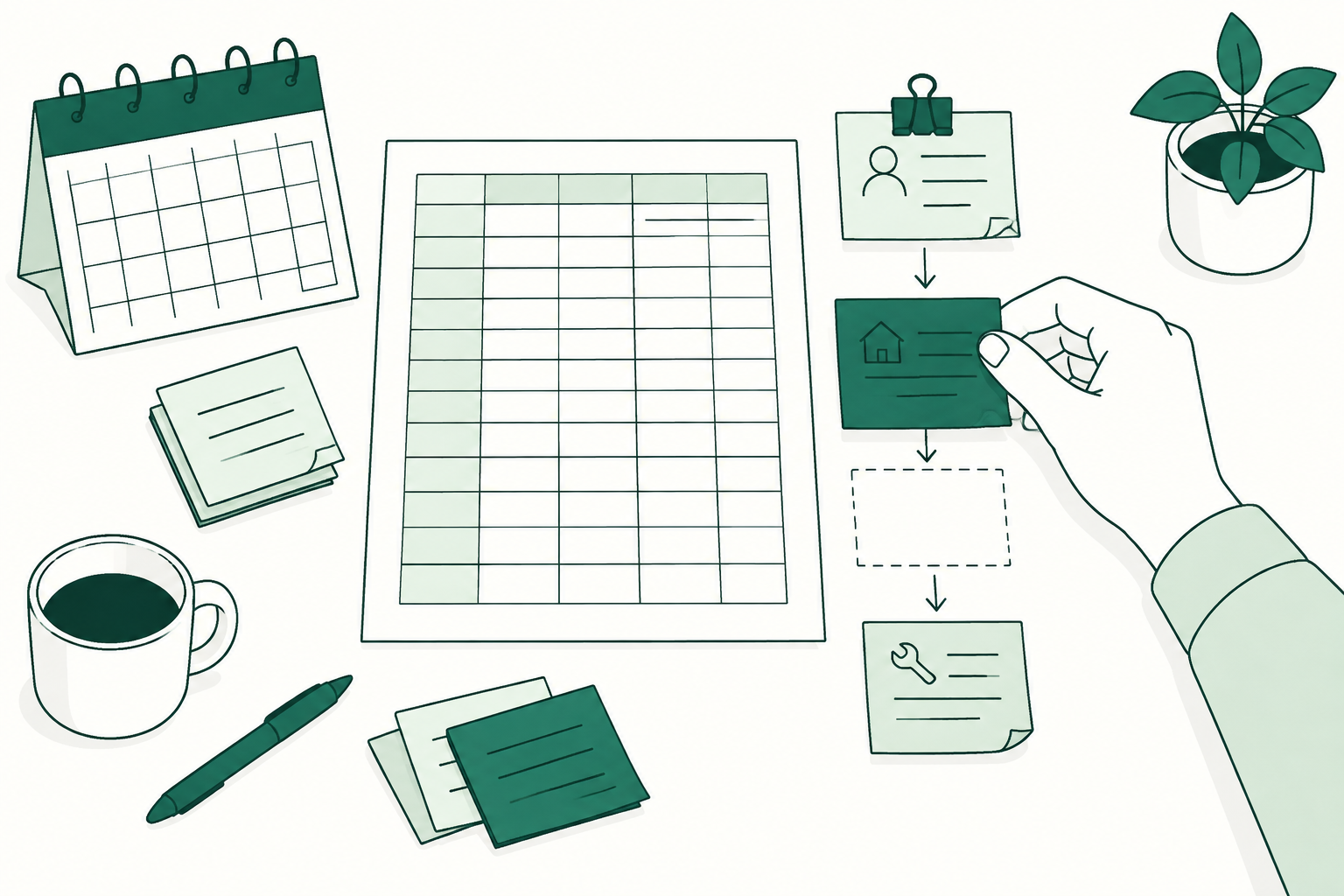
Show us your day.
Walk us through the repeat tasks and workarounds you want to leave behind.
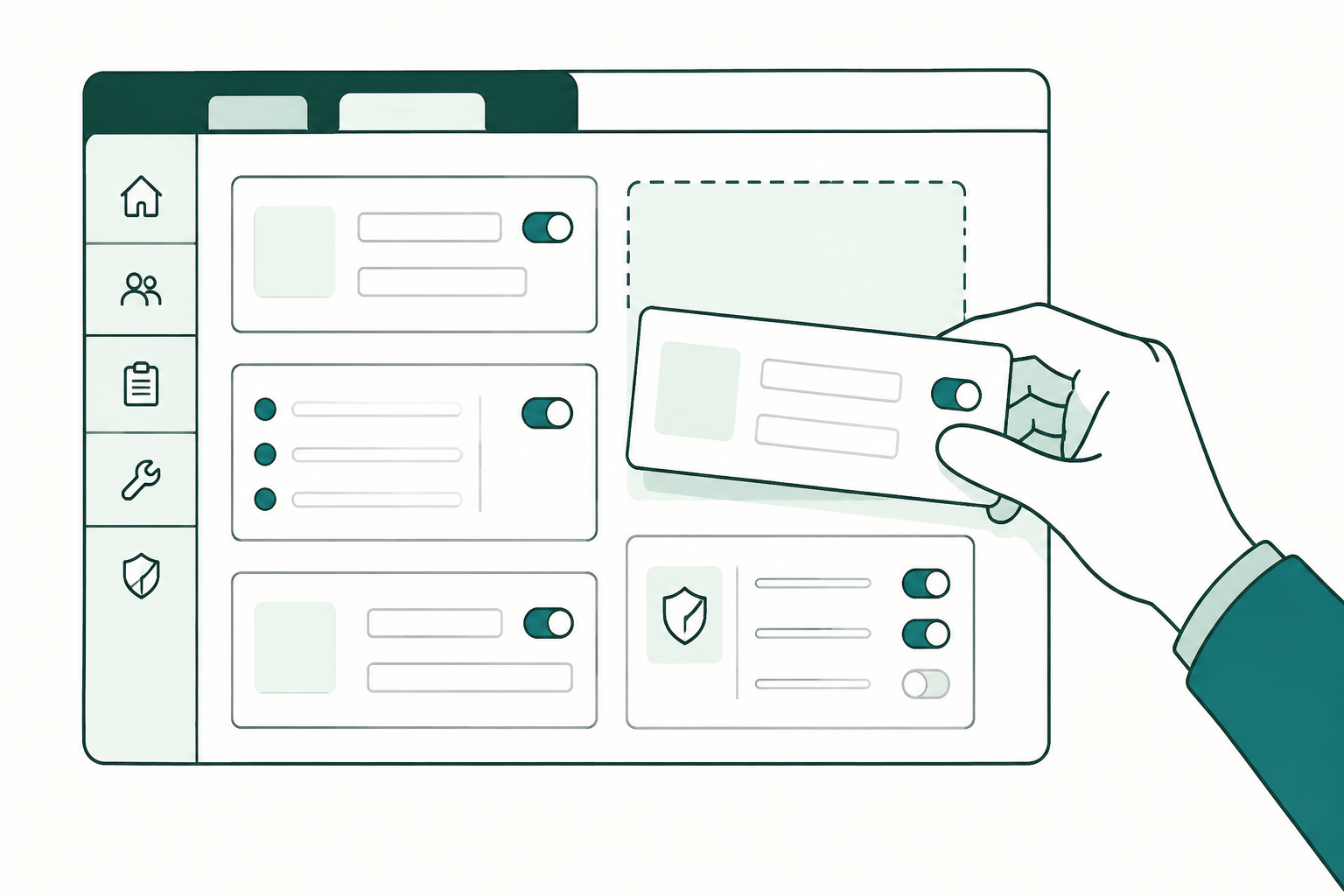
Make it yours.
Shape the workflows, fields and permissions around your team.

Refine. Then roll out.
Try a working version together. Refine the details before your team gets started.